Short Answer
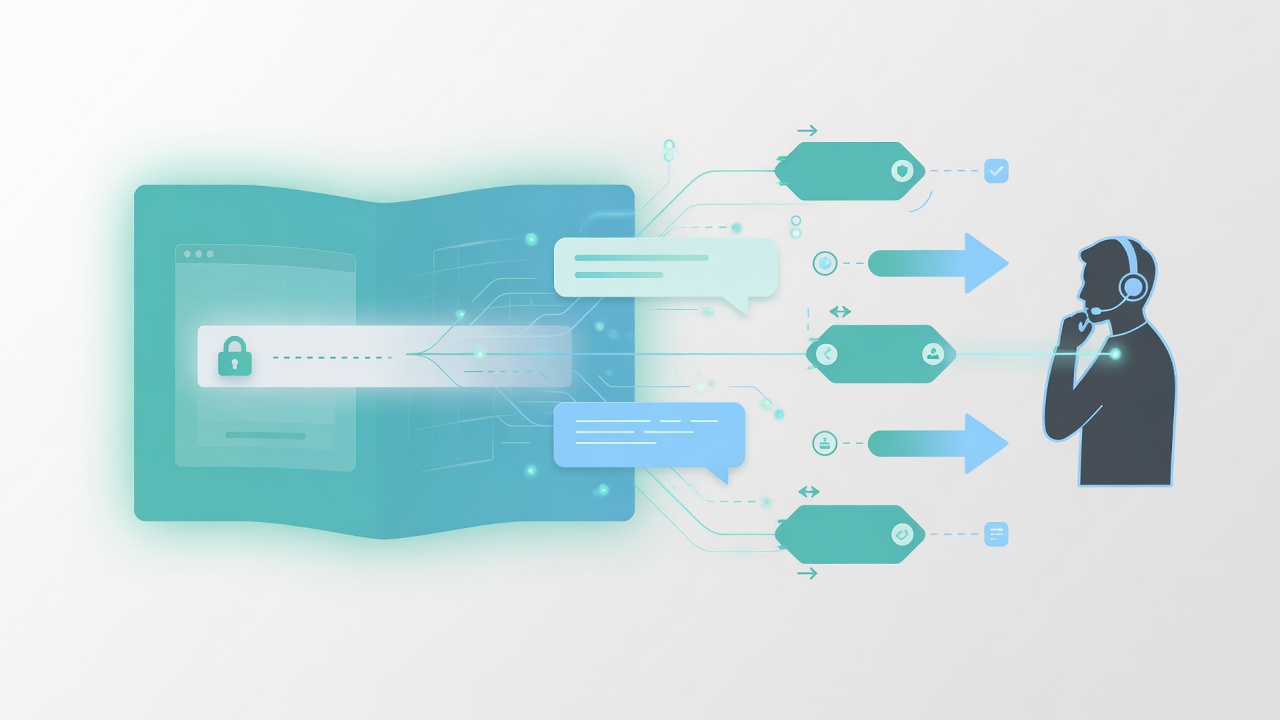
Shared Memory is the context layer that lets AI and humans continue a customer conversation without starting over.
Instead of treating every message as a brand-new interaction, the system can use previous conversation history, notes, sentiment, and handoff details to respond with more context.
The Problem Shared Memory Solves
Most SMB communication breaks in the handoff.
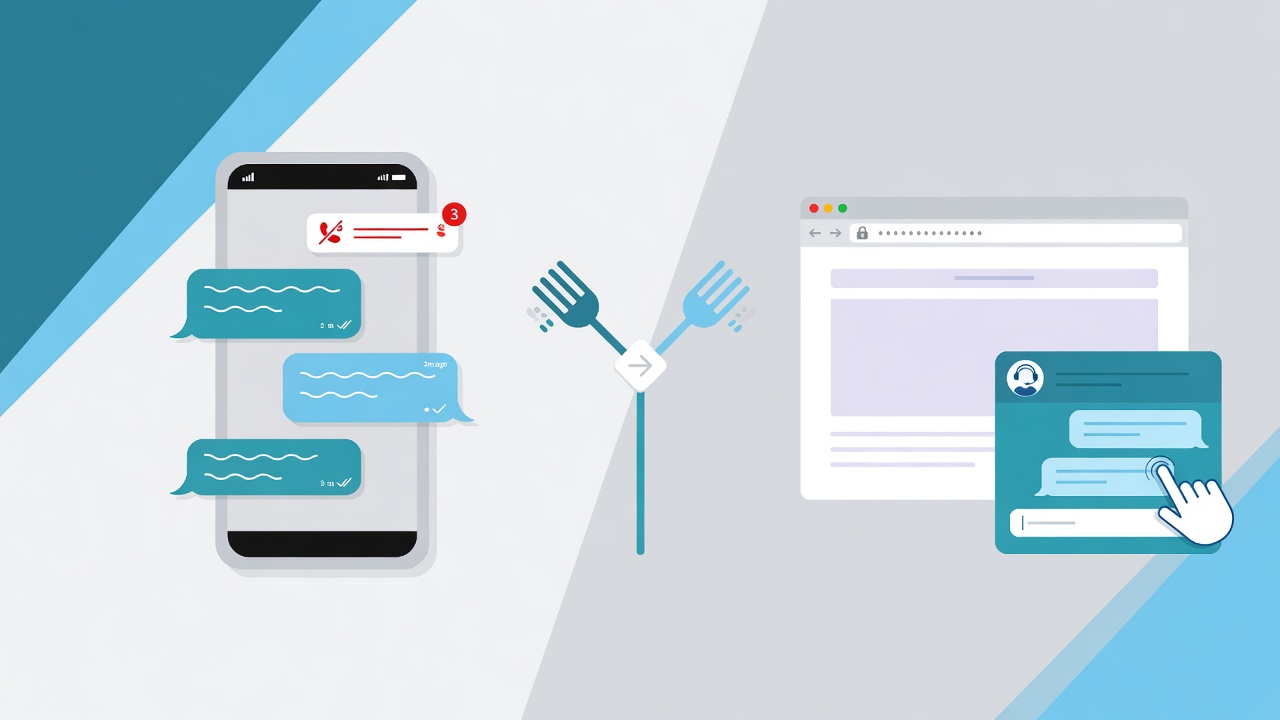
A customer asks a question on webchat. Later, they text. Then someone calls them back. If the team cannot see the full story, the customer has to repeat the details.
That creates familiar friction:
- “I already explained this yesterday.”
- “The person I talked to said something different.”
- “Can you check the photos I sent?”
- “I thought I already gave you my policy number.”
Shared Memory is designed to remove those moments.
What Shared Memory Includes
| Memory Element | Why It Matters |
|---|---|
| Conversation history | Shows what happened across previous messages |
| AI notes | Summarizes the customer’s need and status |
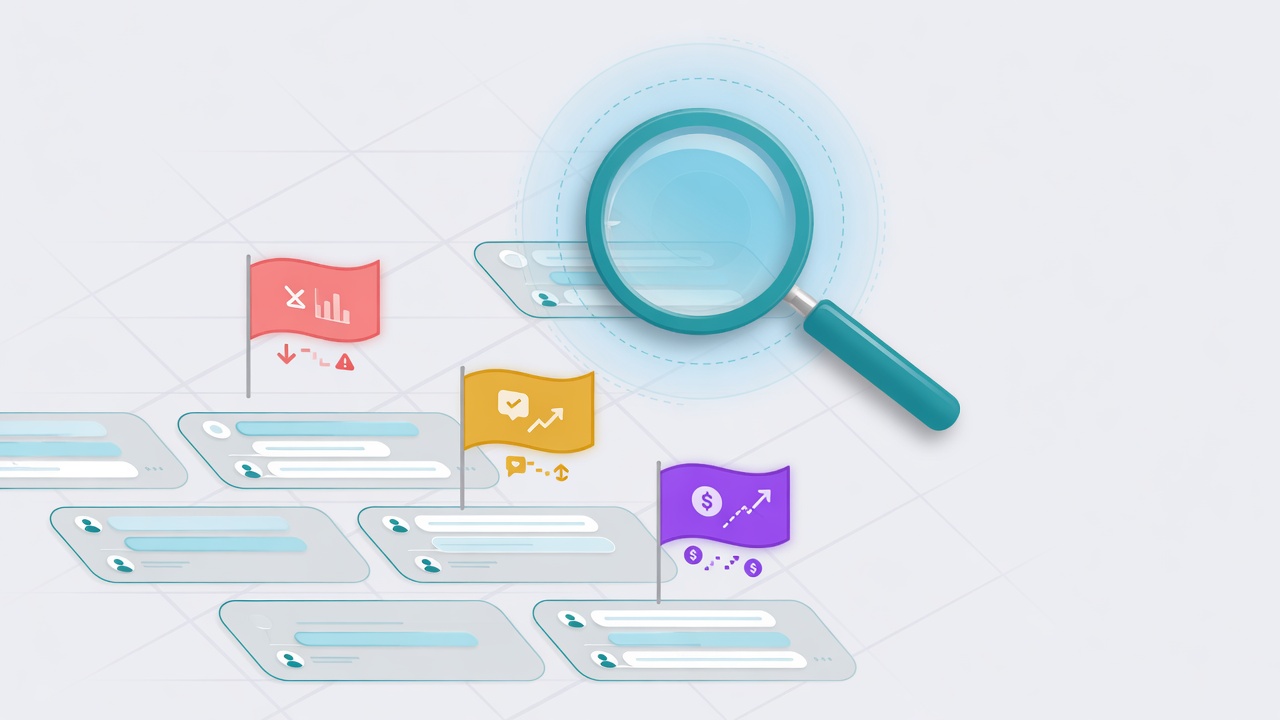
| Sentiment trends | Helps the team spot urgency, confusion, or frustration |
| Handoff context | Tells humans what the AI already did |
| Customer facts | Keeps important details from being re-collected |
The point is not to make the AI sound clever. The point is to make the customer feel known and make the team faster.
Example: Before And After Shared Memory
Without Shared Memory:
- Customer starts on webchat after hours.
- AI collects basic details.
- Customer texts the next morning.
- Team asks the same questions again.
- Customer loses confidence.
With Shared Memory:
- Customer starts on webchat after hours.
- AI collects basic details.
- Customer texts the next morning.
- The inbox shows the prior conversation, AI notes, sentiment, and next step.
- Team replies with context.
That is the difference between a channel and a relationship.
Why Scoped Context Matters
As more teams and workflows share one inbox, context boundaries matter. One customer may interact with different teams for different reasons.
For example:
- Sales should see quote and lead context.
- Support should see service and issue context.
- Billing should not inherit unrelated sales assumptions.
Role permissions and inbox structure keep context useful without letting it bleed into the wrong workflow.
How Shared Memory Supports The Trial Path
Every message should have enough context for a clean handoff — whether the conversation started on SMS or webchat.
As more teams and channels run through VirtualText, Shared Memory becomes more valuable because more people and workflows are involved.
Practical Questions To Ask When Evaluating AI Memory
Use these questions when comparing AI messaging platforms:
| Question | Why It Matters |
|---|---|
| Can humans see what the AI did? | Handoff quality depends on transparency |
| Can the AI remember prior context? | Customers hate repeating themselves |
| Can memory be scoped by inbox or team? | Larger teams need safer context boundaries |
| Is sentiment visible? | Urgency and frustration change the next best action |
| Can the memory improve over time? | The system should become more useful with real conversations |
The Bottom Line
AI that answers once is useful. AI that remembers context is operationally valuable.
For SMB teams, Shared Memory helps turn scattered messages into a continuous customer relationship.