Short Answer
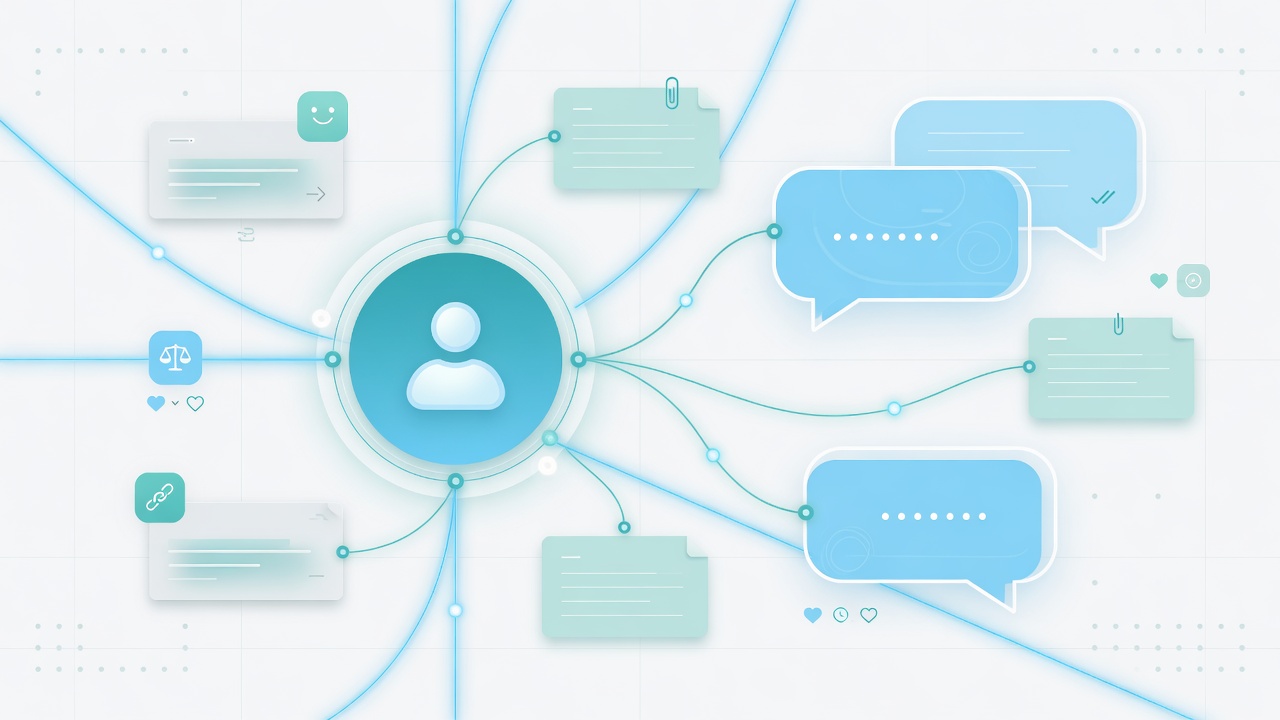
An AI playbook is the set of instructions, examples, boundaries, and escalation rules that turns an AI agent from a generic chatbot into a useful member of your customer-facing team.
For SMB teams, the goal is not to automate every conversation on day one. The goal is to prove one valuable workflow: answer quickly, ask the right questions, capture the details, and hand off with context when a human should take over.
Who This Is For
This guide is for teams that want AI to help with customer conversations but do not want a complicated contact-center rollout.
It is especially useful for:
- Insurance agencies handling quotes, claims, renewals, and policy questions
- Home service teams trying to capture after-hours jobs
- Healthcare and professional services teams that need intake without chaos
- Retail, restaurant, and multi-location teams managing repeated questions
- Teams comparing AI chatbots, SMS automation, and shared inbox tools
What Goes Into a Useful AI Playbook
A playbook should answer five practical questions.
| Playbook Area | What It Controls | Example |
|---|---|---|
| Business facts | What the AI is allowed to say | Hours, locations, services, pricing ranges, policy rules |
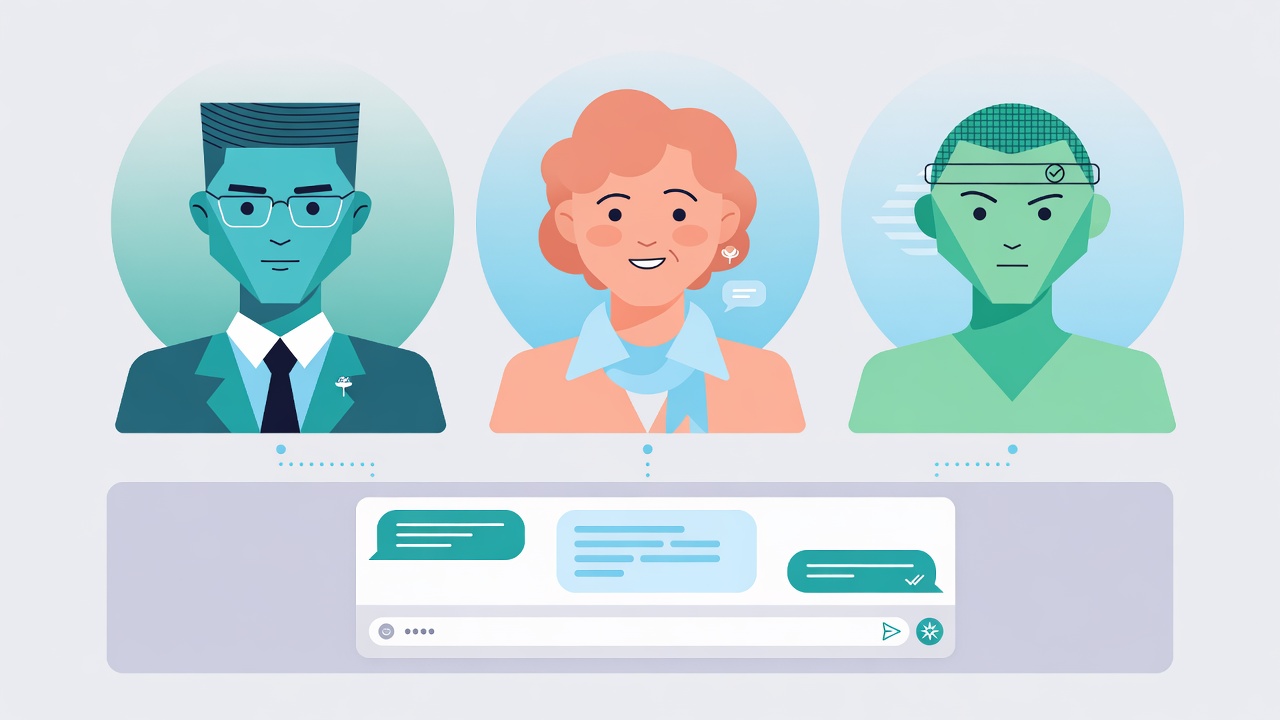
| Brand voice | How the AI sounds | Precise, balanced, conversational, or custom |
| Intake questions | What the AI should collect | ZIP code, policy number, appointment window, photos, urgency |
| Escalation rules | When the AI should stop | Complex claims, angry customers, billing disputes, compliance-sensitive questions |
| Handoff summary | What the human sees next | Customer need, sentiment, missing details, recommended next action |
This is why generic bots fail. They may answer a few questions, but they do not know the workflow around the answer.
How VirtualText Builds a Starting Playbook
VirtualText is designed to start with content your business already has.
The first playbook can use:
- Website pages and service pages
- Public FAQs and help content
- Product or service descriptions
- Approved business policies
- Intake scripts or internal notes
- Team-specific handoff rules
The result is a useful first draft that your team can review. It should not be treated as final forever. The best playbooks improve after real customer conversations show where people get confused.
Best First Workflows To Prove In A Trial
Choose a workflow that is frequent, easy to judge, and painful when missed.
| Workflow | Why It Is A Good First Test | Best Starting Channel |
|---|---|---|
| Missed-call follow-up | Fast proof that more leads get a response | SMS |
| After-hours quote request | Easy to compare against next-day manual replies | SMS or webchat |
| Appointment questions | Repetitive, low-risk, high-volume | SMS |
| Website lead qualification | Captures buyers who do not want to call | Webchat |
| Renewal or reminder response | Common in insurance and service businesses | SMS |
Avoid starting with edge cases. If the first workflow needs a lawyer, compliance officer, or engineer in every conversation, it is not a good first trial.
What A Strong Handoff Looks Like
The handoff is where AI either builds trust or creates more work.
A good handoff includes:
- What the customer asked
- What the AI already answered
- What details were collected
- Whether the customer seems urgent, angry, confused, or ready
- What the human should do next
Example handoff:
Customer needs same-day water heater service. AI collected ZIP code, photos, urgency, and preferred callback window. Customer is available 8-10 AM and wants a quote before noon.
That is the difference between “AI replied” and “AI helped the team sell or serve faster.”
How To Judge Playbook Quality
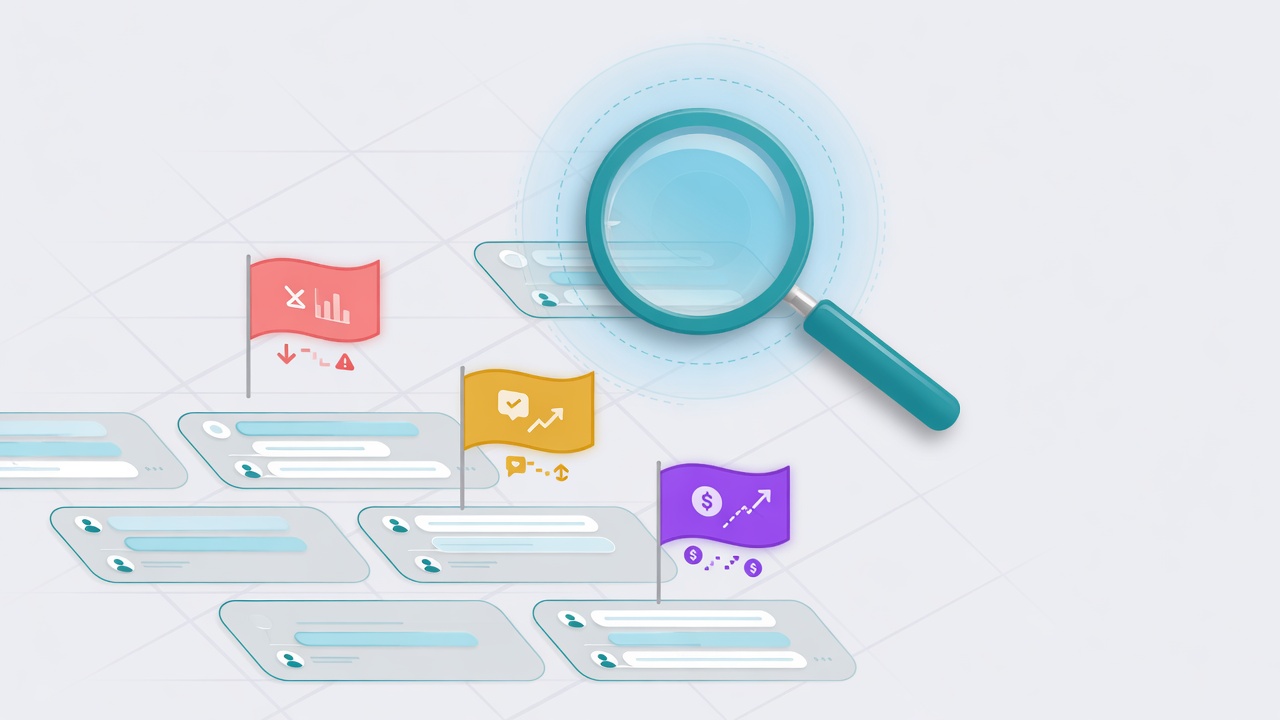
Do not judge the playbook only by whether the AI sounds impressive. Judge it by operational outcomes.
| Signal | What To Look For |
|---|---|
| First response speed | Did customers get an immediate useful reply? |
| Completion rate | Did the AI collect the details your team needs? |
| Handoff quality | Did humans start with context instead of starting over? |
| Escalation judgment | Did the AI step aside when it should? |
| Customer clarity | Did customers know what would happen next? |
How This Connects To VirtualText
Start with one narrow playbook tied to one common workflow — missed-call text-back, after-hours intake, or website lead qualification.
VirtualText includes SMS, webchat, Core AI, and a shared inbox in one plan, so the playbook can expand as you add channels and team members.
Start narrow, prove value, then broaden the playbook as real conversations reveal what customers actually ask.